prompt mine App
Find, Create & Share AI Magic
Claude Cowork Document Organization
That is a fantastic productivity hack. Letting an AI handle the tedious work of file organization and summarization is a massive time-saver, and it really shows the power of giving AI local file access.
To make this workflow even more powerful, you can tweak your prompt just a bit to get exactly what you need without any manual clean-up later. Here are a few ways to level up that exact process:
Set a strict naming convention. Instead of just asking it to rename them clearly, tell it exactly how you want them formatted. For example, tell it to use the date, client name, and document type, like 2023-10-15-Smith-Contract.
Create a master index. Along with the individual summaries, ask the AI to generate one master document that lists all the new file names with a one-sentence description of each. This gives you a quick reference guide for the whole folder so you do not have to open every individual summary.
Group by category. If the folder has mixed content, you can add an instruction to organize the files into specific subfolders, like Invoices, Contracts, or Meeting Notes.
Walking away and letting the AI do the heavy lifting is exactly how we should be using these desktop tools. Have you tried this workflow on any specific types of messy folders yet, like old project files or downloaded research documents?


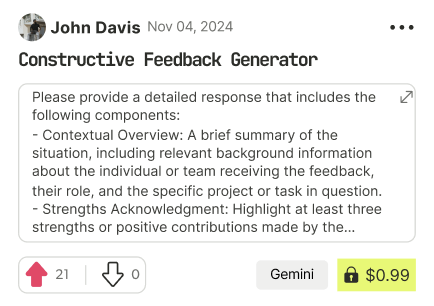
Find Powerful AI Prompts
Discover, create, and customize prompts with different models, from ChatGPT to Gemini in seconds
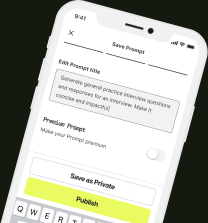
Simple Yet Powerful
Start with an idea and use expert prompts to bring your vision to life!